How Meta Ads Manager works
See how campaigns, ad sets, and ads connect in Meta Ads Manager, with practical notes on budgets, objectives, audiences, placements, and testing.
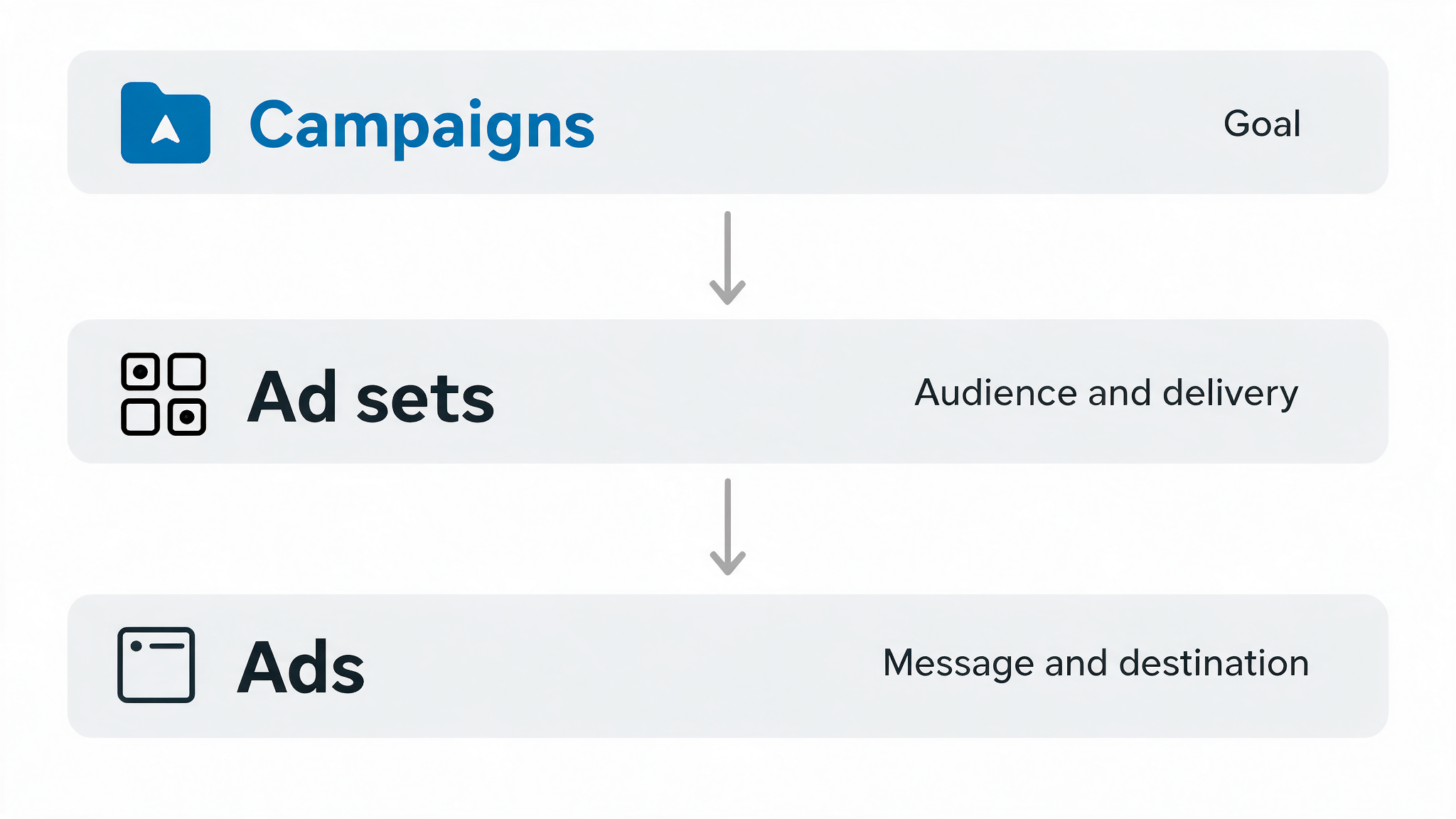
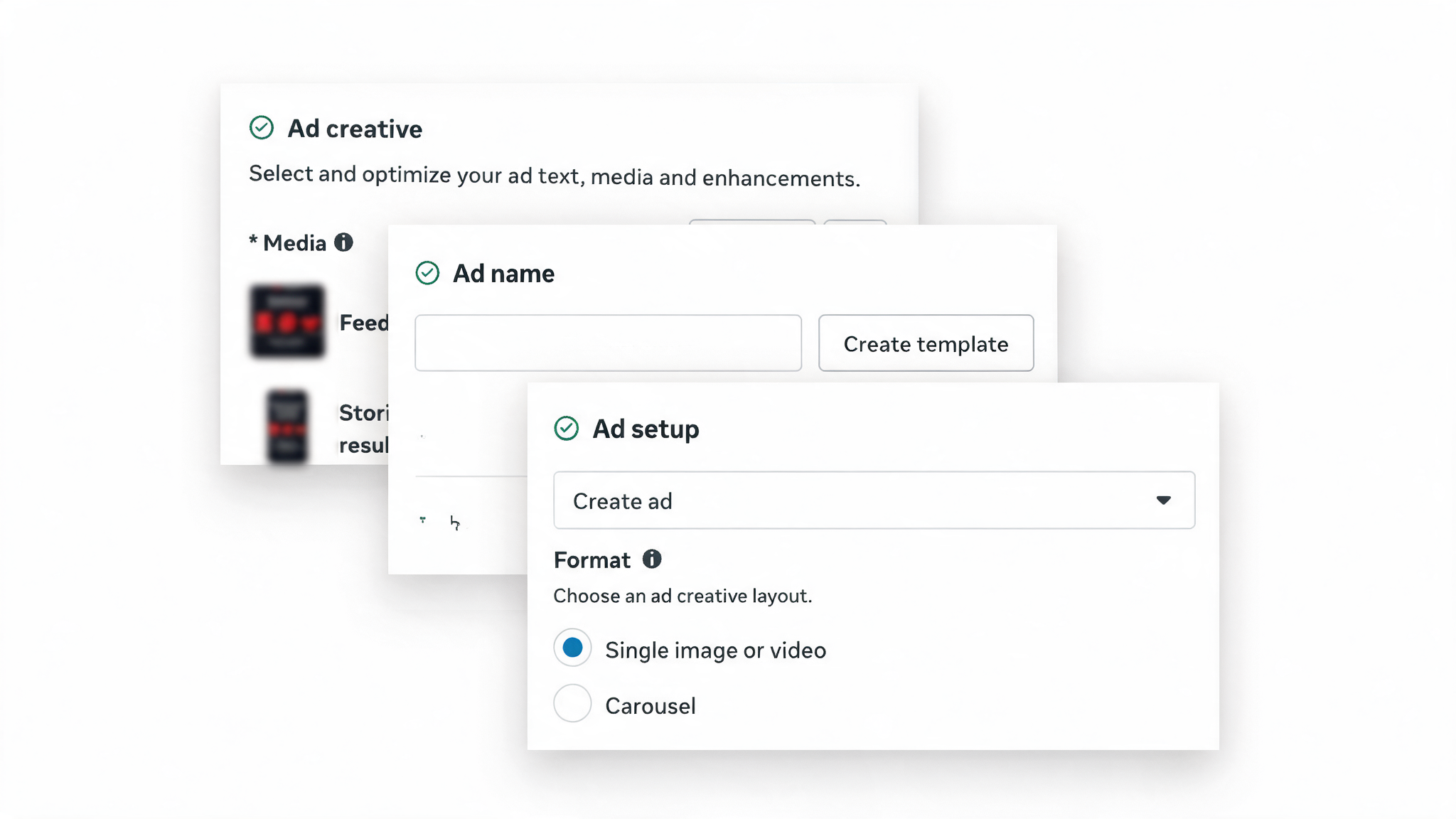
Meta Ads Manager is organised in three levels: campaign, ad set, and ad. Each level controls a different decision. The campaign defines your goal. The ad set defines who can see the ad and how it is delivered. The ad is the message people see.
Understanding this structure helps you make a focused first test. It also helps you identify what to change when a result is weak. Do not change every level at once. You will not know which decision affected the outcome.
Quick summary
- A campaign tells Meta what outcome you want to prioritise
- An ad set defines the audience, placements, timing, and relevant budget settings
- An ad contains the creative, copy, call to action, and destination link
- Start with one country, one audience hypothesis, and a small test budget
- Keep the campaign factual and educational, then compare ad-platform results with Partners Hub outcomes
The Meta Ads Manager structure at a glance
Start with a business question before opening Meta Ads Manager
Your campaign should answer one clear question. For example: “Will a short educational video about a trading topic encourage people in this market to visit my guide?”
That question guides every decision that follows. It tells you what result to prioritise, who you want to reach, and what your creative needs to explain.
Avoid vague goals such as “get more people interested”. A specific goal gives you a meaningful way to review the test later.
Match the campaign objective to the next action you want
Meta uses the campaign objective you choose to guide delivery. Choose an objective that is close to the next action you want a person to take.
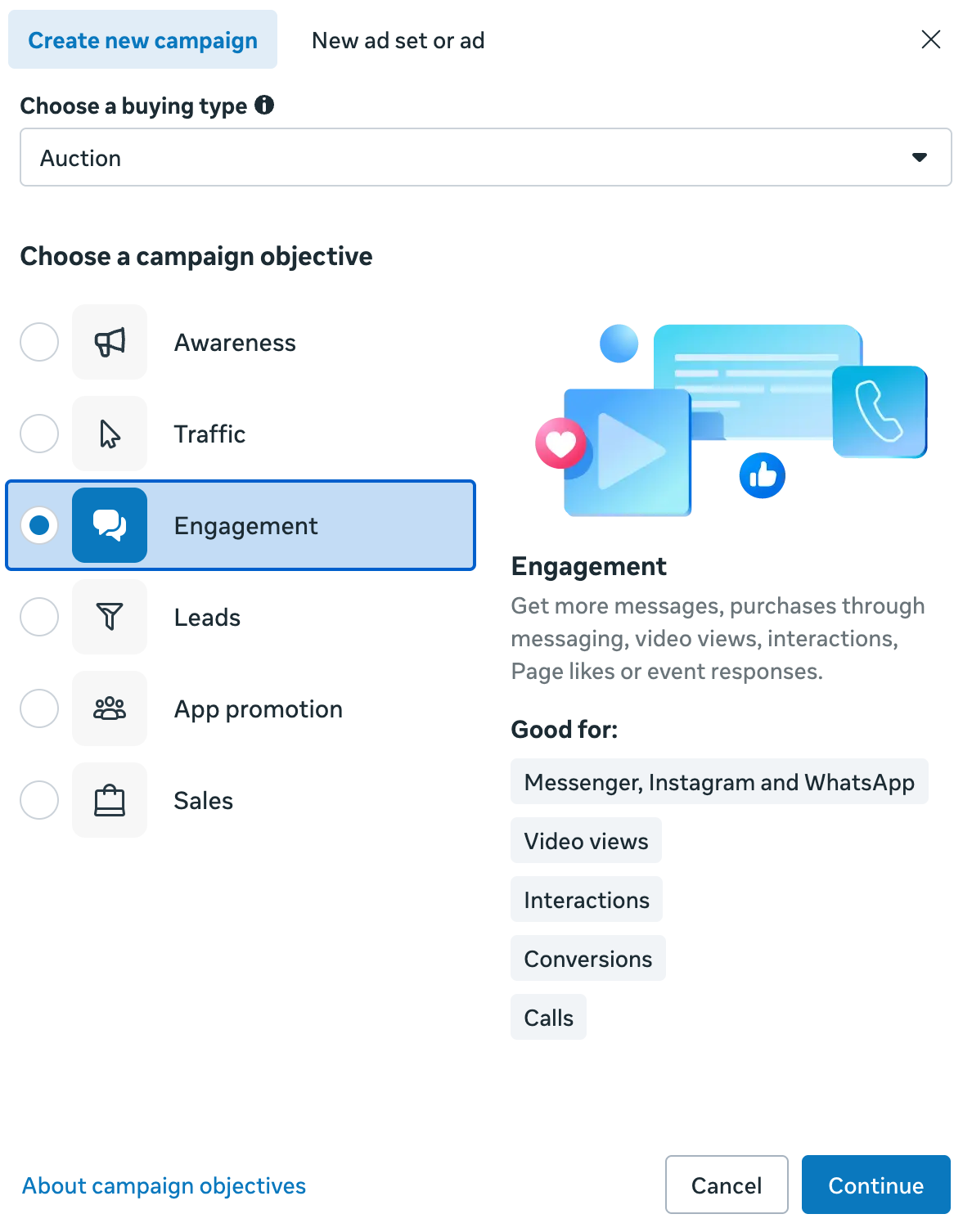
Objective names and settings can change in Meta Ads Manager. Focus on the outcome you need, rather than choosing an objective because it sounds popular.
Use the campaign level to set one clear goal
The campaign is the highest level of your Meta setup. Start by naming it clearly so you can recognise it later in your reports.
A useful campaign name includes the market, the goal, the creative theme, and the month. For example: `Kenya | traffic | derived indices guide | October`.
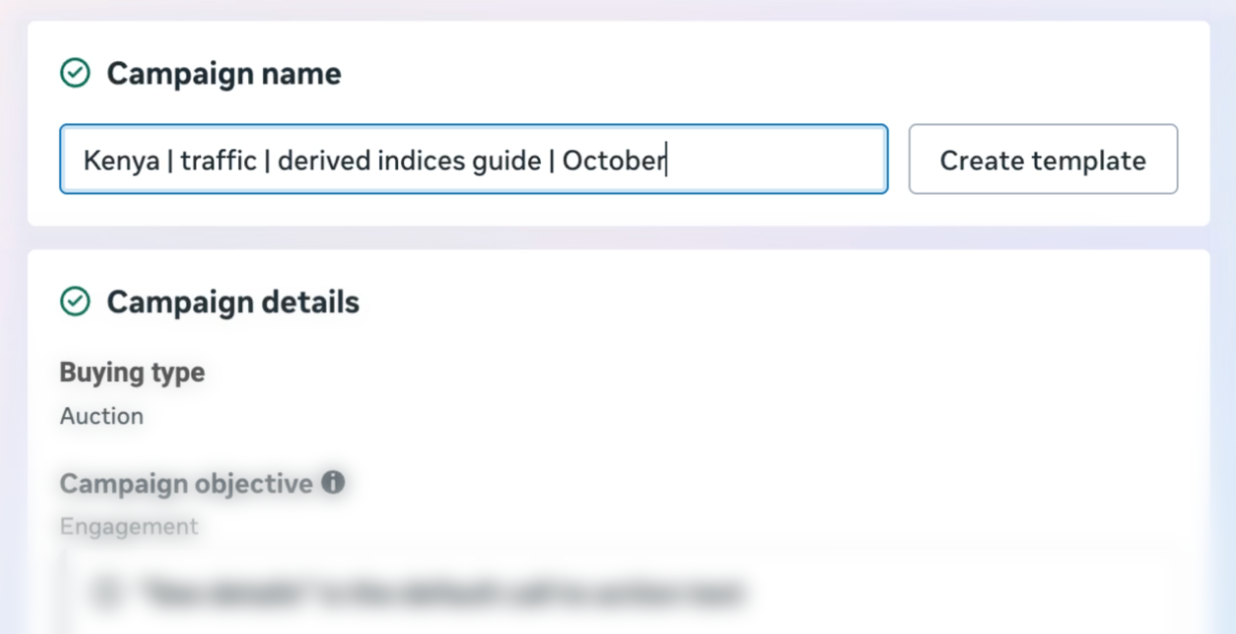
At this stage, decide:
- The question your test will answer
- The campaign objective that best matches that question
- Whether your test budget will be managed at campaign level or in each ad set
Meta can place budget controls at campaign or ad-set level, depending on the setup you choose. For a simple first test, use one approach consistently. Your aim is to learn, not to create a complex account structure.
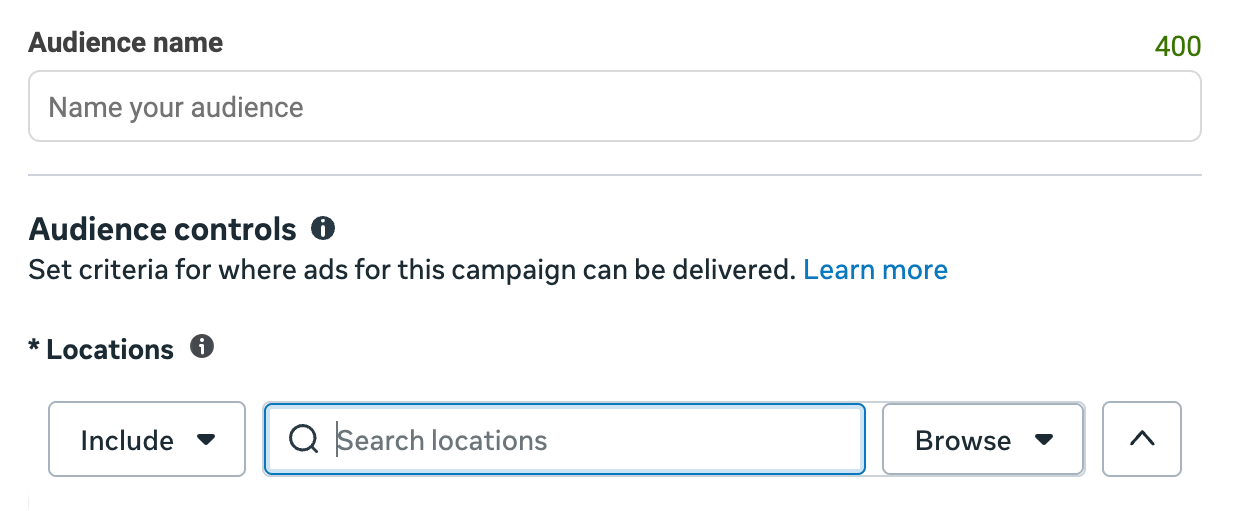
Use the ad set to define your audience and delivery
The ad set is where you turn your idea into an audience hypothesis. An audience hypothesis is a clear statement about who is most likely to find your content useful and why.
For example: “People in one selected market who may be interested in beginner trading education are more likely to visit a guide that answers a specific question.”
Start simple. Define the country or market, the language of the creative, and an audience that fits your educational message. Select placements and a test period that give the campaign enough time to gather directional data.
Choose audiences with a clear reason
Before you add an audience setting, be able to explain why it belongs in the test. Your choices should connect to the content you are promoting.
Do not upload or use client data to create an audience unless you have the necessary rights, permissions, and lawful basis. Never treat a list of referred clients as a shortcut to better targeting.
Use the ad level to make the message useful
The ad is the creative people see. It includes the image or video, the text, the call to action, and the page people visit after they click.
Your creative should help someone understand a specific idea. Start with a question your audience already asks, then offer a factual answer or useful educational resource.
For example, a short video might explain where a person can find a beginner guide to derived indices. It should not imply that trading is a source of guaranteed income or that losses can be avoided.
At ad level, check:
- The visual and copy support the same message
- The call to action reflects the campaign objective
- The destination link works and leads to the intended page
- The message is factual, clear, and appropriate for the target market
- The creative follows Deriv partner marketing requirements and Meta’s current advertising policies
Meta configures placements at ad-set level and creative at ad level. If you use multiple placements, check that your text and visual work in each relevant format. Meta also offers automatic and manual placement choices, so review the current options in Ads Manager before publishing. Meta’s placements guidance
Plan a first Meta test without overcomplicating it
Use one campaign, one ad set, and two or three clearly different creative angles. Keep the market, audience hypothesis, and destination consistent while you compare the messages.
An illustrative setup could look like this:
This example does not guarantee a result. It gives you a controlled way to learn which message earns useful attention from the audience you chose.
Check your campaign before you publish
Use this checklist before you submit a Meta campaign for review:
- [ ] I can state the campaign goal in one sentence
- [ ] My selected objective matches the next action I want people to take
- [ ] I have one market, language, and audience hypothesis for the test
- [ ] The visual, copy, call to action, and destination page match
- [ ] The referral journey works from the ad destination to the correct partner link
- [ ] The campaign uses factual, educational, and compliant messaging
- [ ] I have recorded the campaign name, dates, budget, audience, and creative angle
- [ ] I know which ad-platform metrics and Partners Hub outcomes I will review
Know which level to change after a test
When a campaign does not produce the outcome you expected, change one decision at a time.
Do not treat a high number of clicks as proof that an ad is working. Review the outcome that matches your objective, then look at referral progression in Partners Hub. The Hub shows the quality of referrals attributed to you. It does not identify the exact Meta campaign or creative behind each referral.
Next steps
You now know where each Meta decision belongs. Continue with Affiliate Marketing with paid ads: how to get started without burning your budget to plan a controlled creative test.

Quiz
FAQs